Article
This channel provides Gstarsoft useful articles , in order for you to better use Gstarsoft.



2026-08-05 614 CAD
The market is full of CAD programs, each promising to be the best CAD software for your workflow. But how do you know which one is right for you? In this guide, we break down the different types of CAD design software, compare the top options available in 2027, and explain why GstarCAD is the smart choice for professionals, students, and businesses alike.
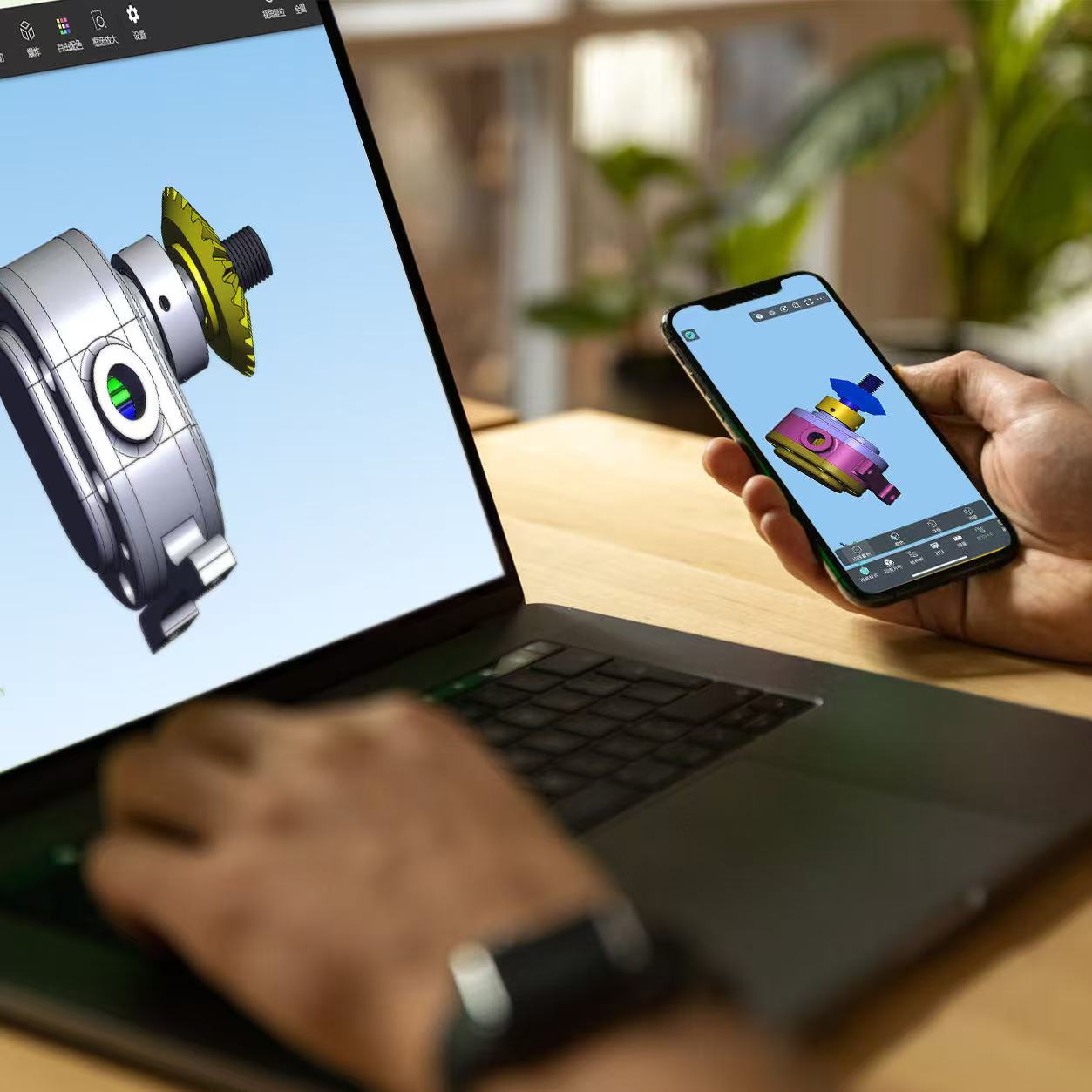
CAD programs, short for Computer-Aided Design programs, are software applications used to create precise 2D drawings and 3D models. They have replaced manual drafting in virtually every design-driven industry, from architecture and engineering to manufacturing and product design. Modern CAD design software also supports documentation, collaboration, and data exchange through industry-standard file formats.
A good CAD program turns a computer into a complete design workstation: you can draft with pixel-perfect accuracy, organize work into layers, annotate with standards-based dimensions, and share files with clients and colleagues around the world in seconds.
CAD software comes in many forms, and understanding the differences helps you choose the right tool:
| Type | Best For | Examples |
|---|---|---|
| 2D CAD programs | Drafting, documentation, architectural and mechanical drawings | GstarCAD, AutoCAD LT, DraftSight |
| 3D CAD programs | Solid modeling, product design, simulation | SolidWorks, Fusion 360, Inventor |
| Architecture/BIM programs | Building design, construction documentation | Revit, ArchiCAD, GstarCAD Architecture |
| Free and open-source CAD | Students, hobbyists, basic projects | LibreCAD, FreeCAD, QCAD |
| Cloud CAD programs | Remote collaboration, lightweight devices |
Onshape, Fusion 360, GstarCAD Cloud |
To help you evaluate your options, here is a practical comparison of the most popular CAD programs on the market:
| Program | Focus | DWG Support | Price | Best For |
|---|---|---|---|---|
| GstarCAD | 2D + light 3D | Native, full versions | Very affordable | Businesses migrating from AutoCAD |
| AutoCAD | 2D + 3D | Native (industry standard) | Expensive subscription | Enterprises with established workflows |
| DraftSight | 2D | Good | Moderate | 2D drafting tasks |
| LibreCAD | 2D | Basic | Free | Students and hobbyists |
| SolidWorks | 3D | Limited | Expensive | Mechanical product design |
As the table shows, GstarCAD offers the best balance of DWG compatibility, professional features, and affordability. That combination is exactly why so many organizations are switching to GstarCAD as their primary CAD design software.
With so many CAD programs available, focus on these five criteria when making your decision:
There are many good CAD programs, but GstarCAD has earned its reputation as a leading CAD software provider for three key reasons:
GstarCAD reads and writes DWG files natively, with support for versions from AutoCAD R14 to the latest releases. This means your existing library of drawings, templates, and standards keeps working without conversion, data loss, or rework.
Switching CAD programs does not have to mean relearning everything. GstarCAD mirrors the commands, shortcut keys, and interface conventions that AutoCAD users already know, so experienced designers are productive within days, not weeks.
GstarCAD includes everything a professional needs: precise drafting tools, advanced editing commands, layer management, dimensioning, annotation, plotting, and customization APIs such as LISP and VBA. All of this is available at a price that fits small businesses, schools, and government organizations.
Beyond the software itself, Gstarsoft provides responsive technical support, comprehensive documentation, and free tutorials, making GstarCAD one of the most accessible CAD programs for both beginners and experienced professionals.
Ready to try a better CAD program? Getting started is simple:
Choosing the right CAD programs for your team is one of the most important software decisions you will make. With GstarCAD, you get professional CAD design software that is compatible, fast, affordable, and backed by a team that cares about your success. Download GstarCAD today and experience why it is the preferred CAD software for professionals worldwide.
For beginners, the best CAD program is one that is easy to learn, affordable, and widely compatible. GstarCAD is an excellent choice because it offers a familiar interface, free tutorials, and native DWG support, so skills you build transfer directly to professional work.
Yes. GstarCAD is one of the most popular AutoCAD alternatives on the market. It opens and saves DWG files natively, keeps the same commands and shortcuts, and costs a fraction of AutoCAD's subscription price, making the switch simple and cost-effective.
Yes, there are free CAD programs such as LibreCAD and FreeCAD, which are fine for learning and simple projects. However, professional workflows usually need reliable DWG compatibility, advanced tools, and technical support, which is why many users choose GstarCAD's affordable paid license instead.
Most modern CAD programs, including GstarCAD, run smoothly on standard laptops. GstarCAD is specifically optimized for efficiency, so it works well even on modest hardware without requiring an expensive workstation.
Traditional desktop CAD programs like GstarCAD work fully offline; you only need an internet connection for downloading the software, updates, and optional cloud features. This is especially important for teams working in secure or remote environments.
Basic drafting skills can be learned in days, and most users become comfortable with GstarCAD within one to two weeks thanks to its familiar interface and available tutorials. Mastery of advanced features grows with practice on real projects.
Welcome to the GstarCAD Support center, where you can find useful articles and troubleshooting resources, etc. for CAD . To View details, you can visit CAD overview, Download and buy online
2026-09-11
2026-08-18
2026-08-18
2026-08-13

2026-08-11

2026-08-10

2026-08-07
2026-08-07