Application
We cooperate with local developers to provide industrial solutions for customers.



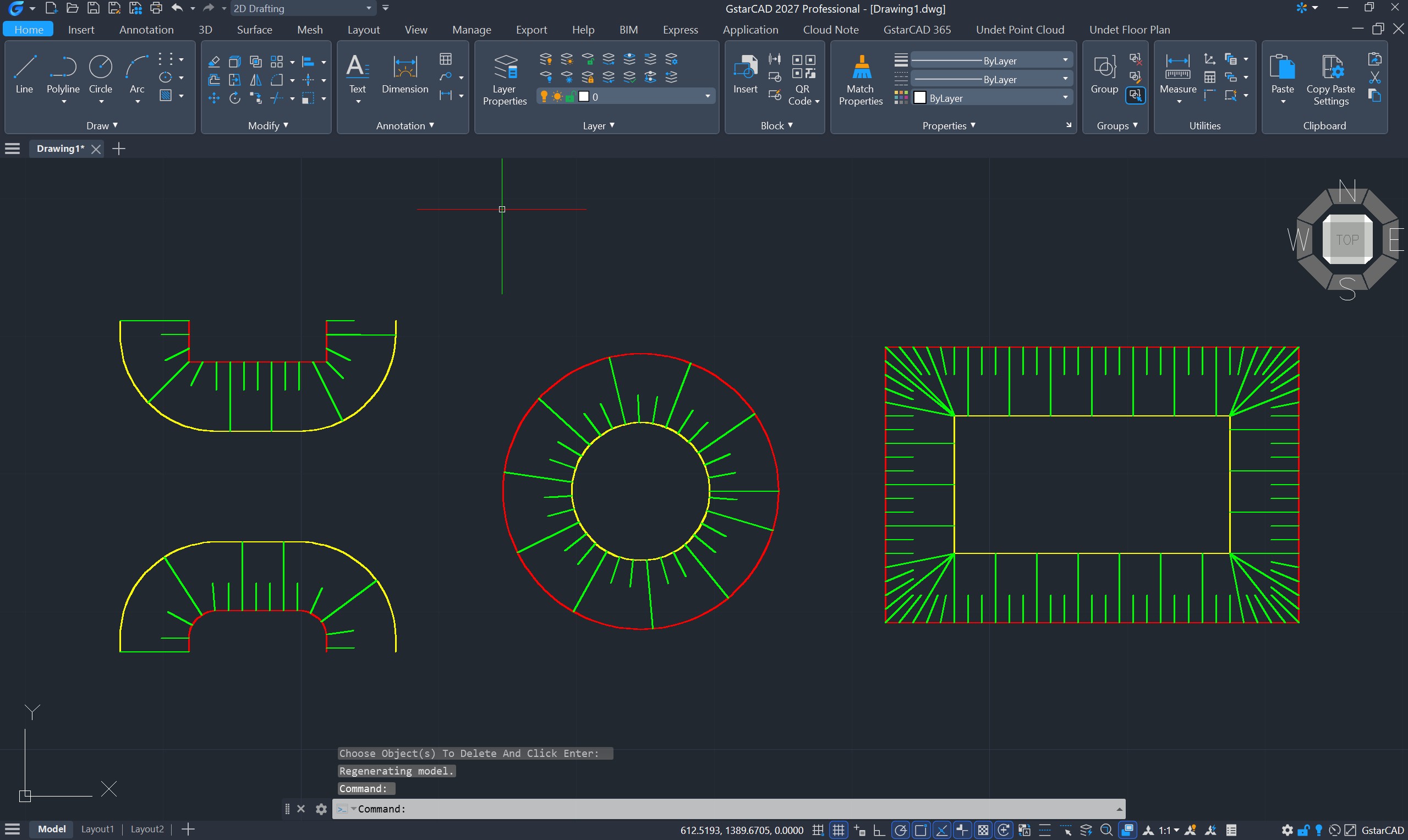
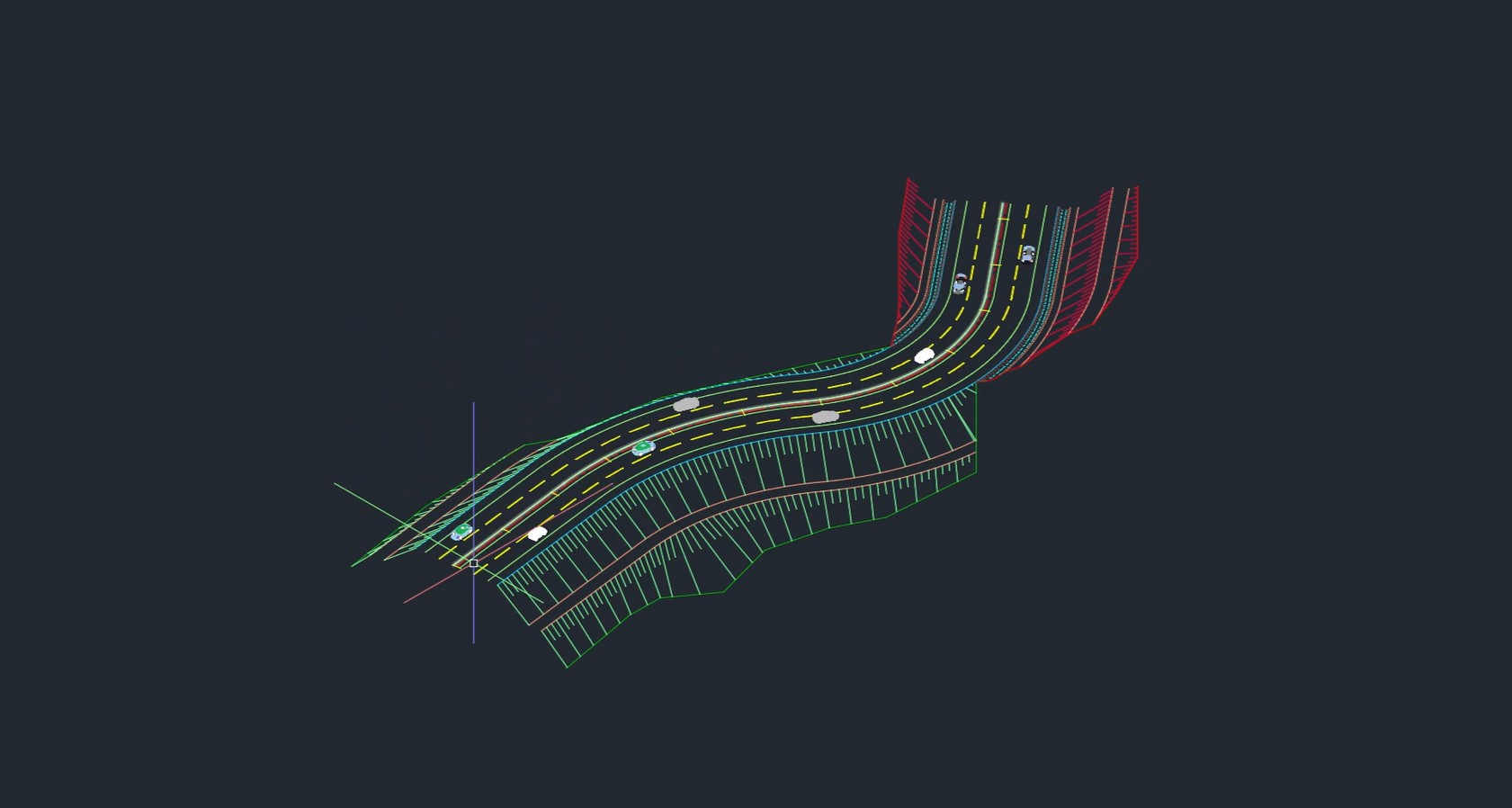
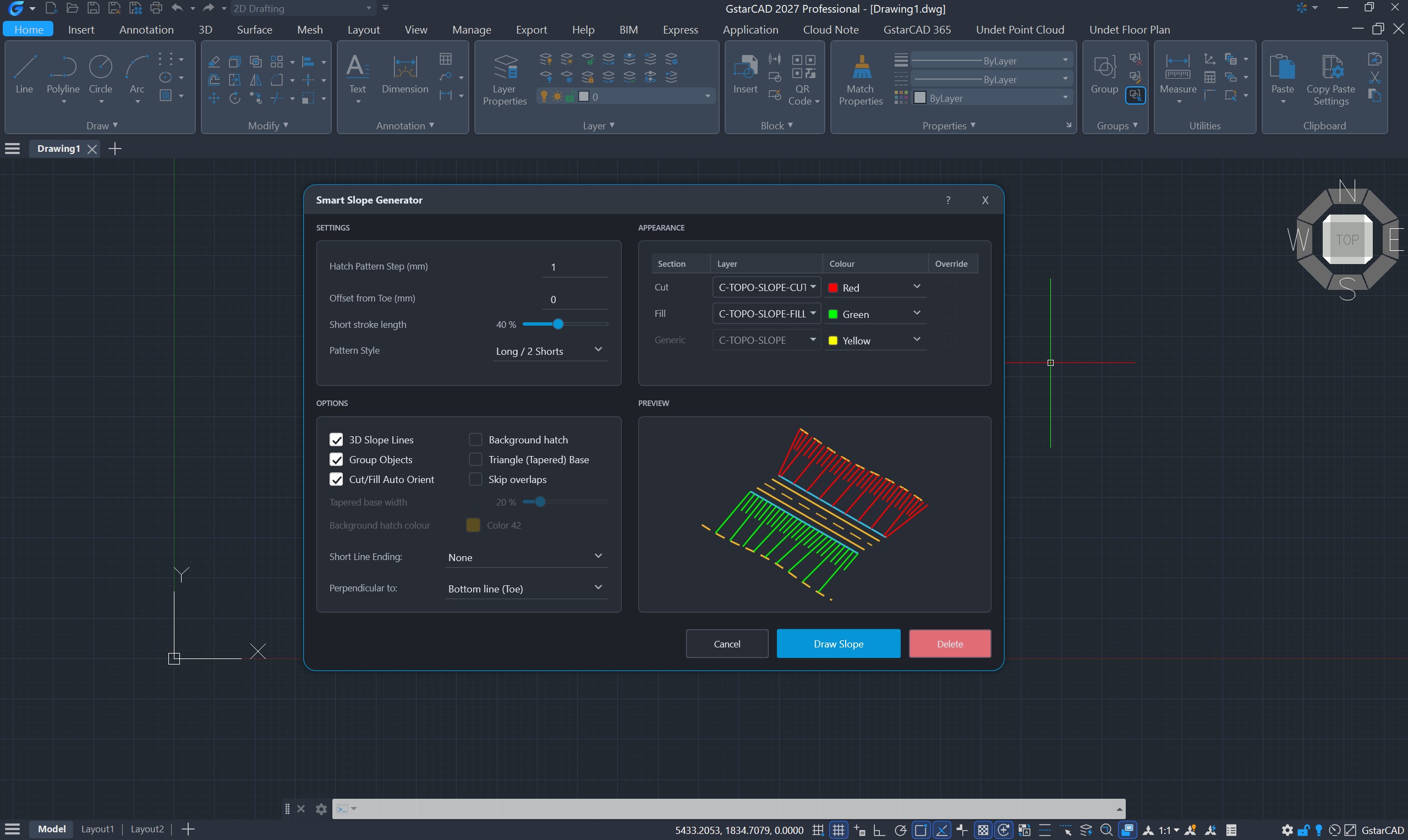
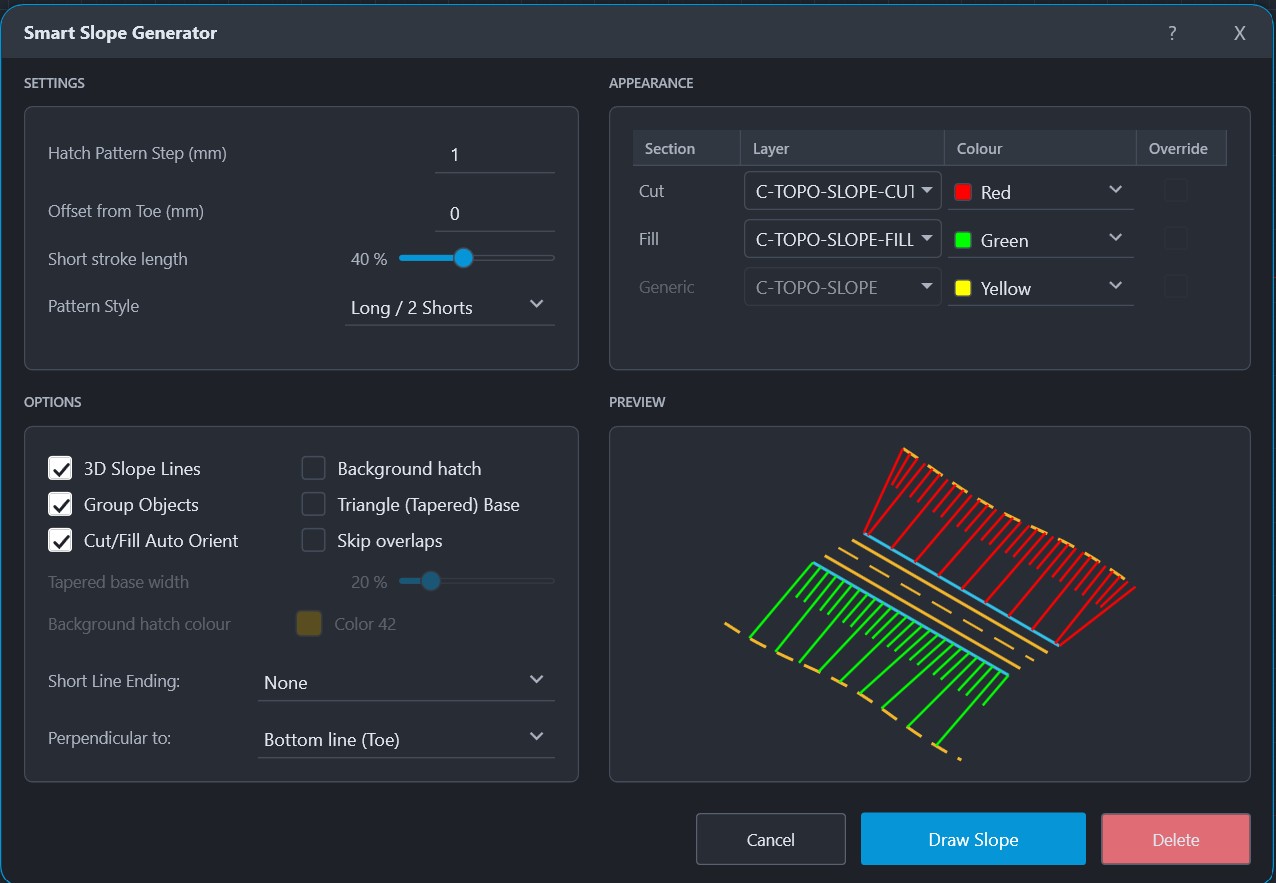
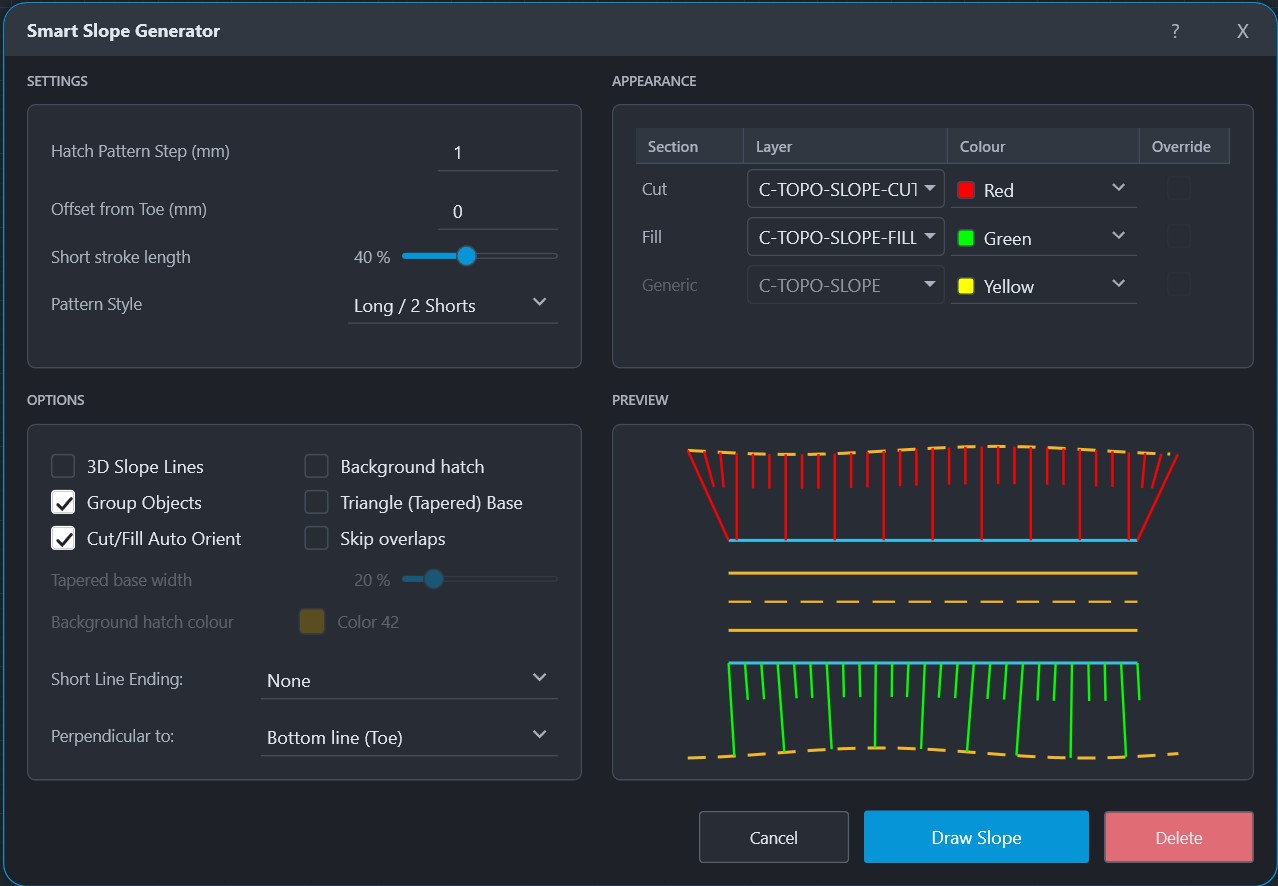
Smart Slope Generator automates one of the most tedious everyday drafting tasks in civil engineering: drawing slope hatching between two lines. Instead of placing strokes manually, the engineer runs GR_DRAWSLOPE, picks the crest (top) curve and the toe (bottom) curve, and the plugin generates the complete tick pattern in seconds.
Key features:
- Works with lines, polylines, 3D polylines, arcs, circles, ellipses and splines
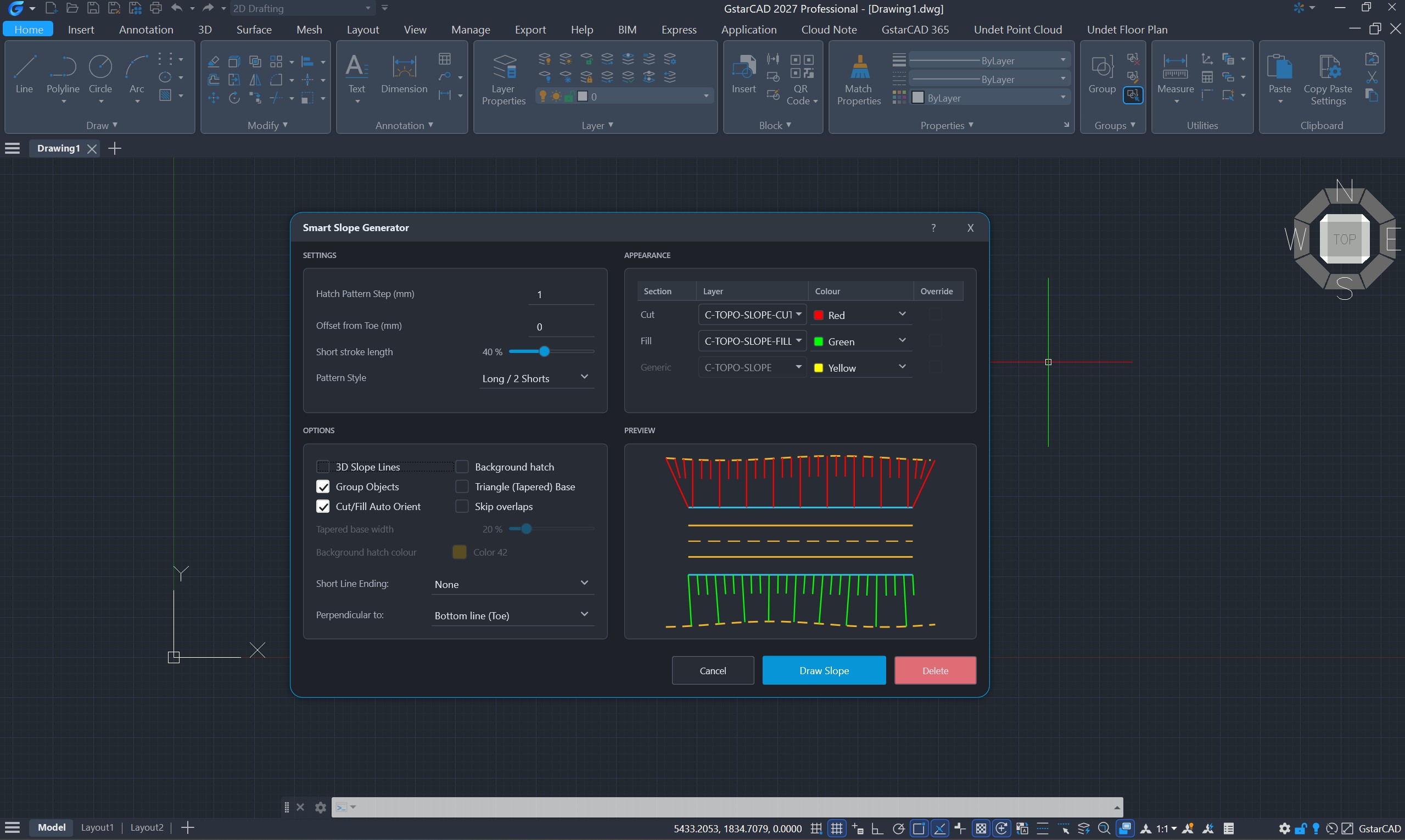
- Live preview while you adjust settings — what you see is what is drawn
- Interactive range adjustment directly on screen
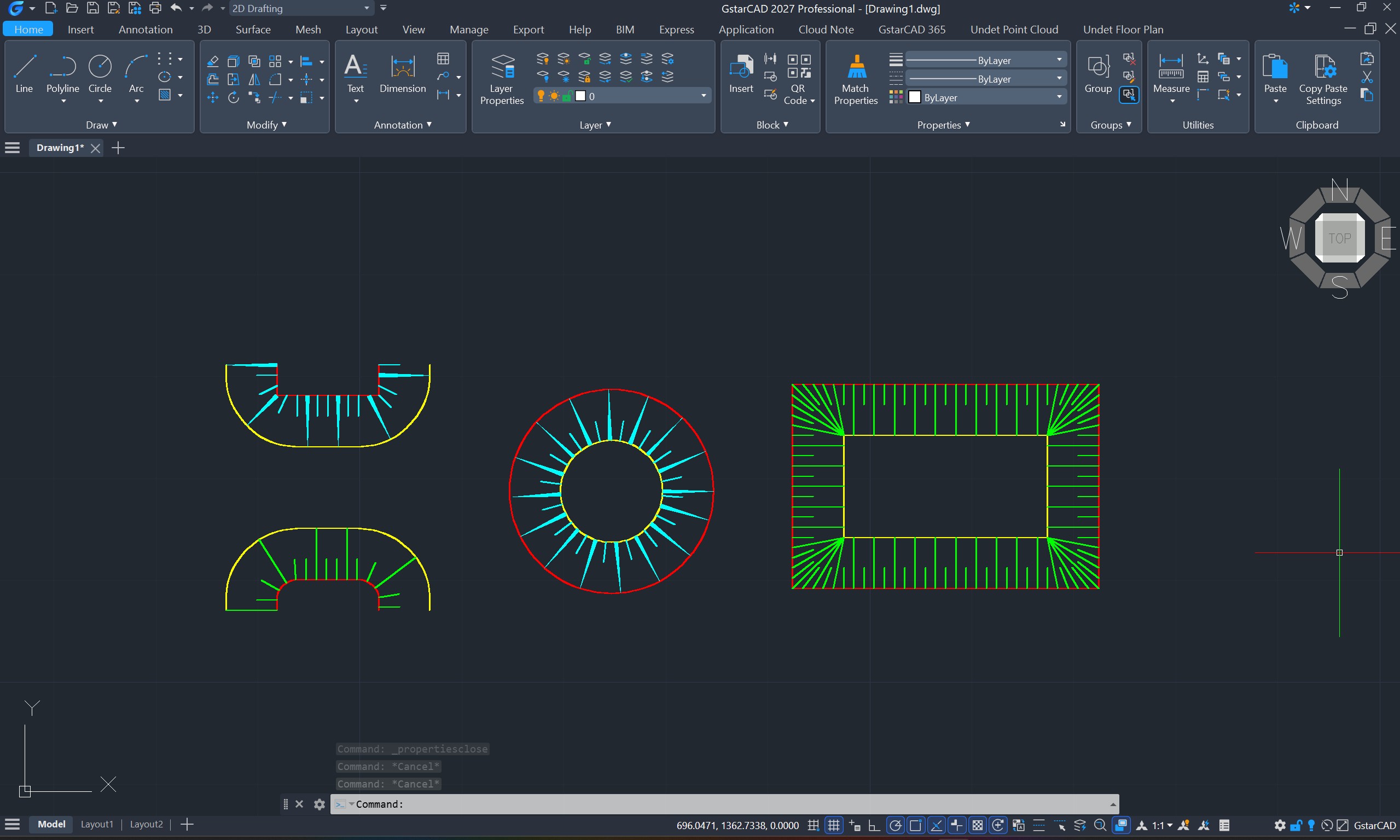
- Pattern styles: Fixed, Long / 1 Short, Long / 2 Shorts; optional tapered (triangle-base) strokes and stroke endings (circle or T-tick)
- Automatic cut/fill orientation with separate layers and colours (C-TOPO-SLOPE, C-TOPO-SLOPE-CUT, C-TOPO-SLOPE-FILL — layer names are user-editable)
- Optional background mask and object grouping
- Unit-aware: sensible default spacing for metric and imperial drawings
- Safety guards against oversized jobs, with clear messages
Installation is a single .exe installer — run it, restart GstarCAD 2027, and type GR_DRAWSLOPE. No configuration, no additional components. Built-in help is installed with the product (Start menu > Smart Slope Generator).
Smart Slope Generator is free — no license key, no trial, no registration, no data collection. It is the first of a family of Green Road Group tools for GstarCAD; our Plan Production suite Batch Layout Generator Pro is coming next.